 +86 136 0249 1788

Intercom
1. Page Preview
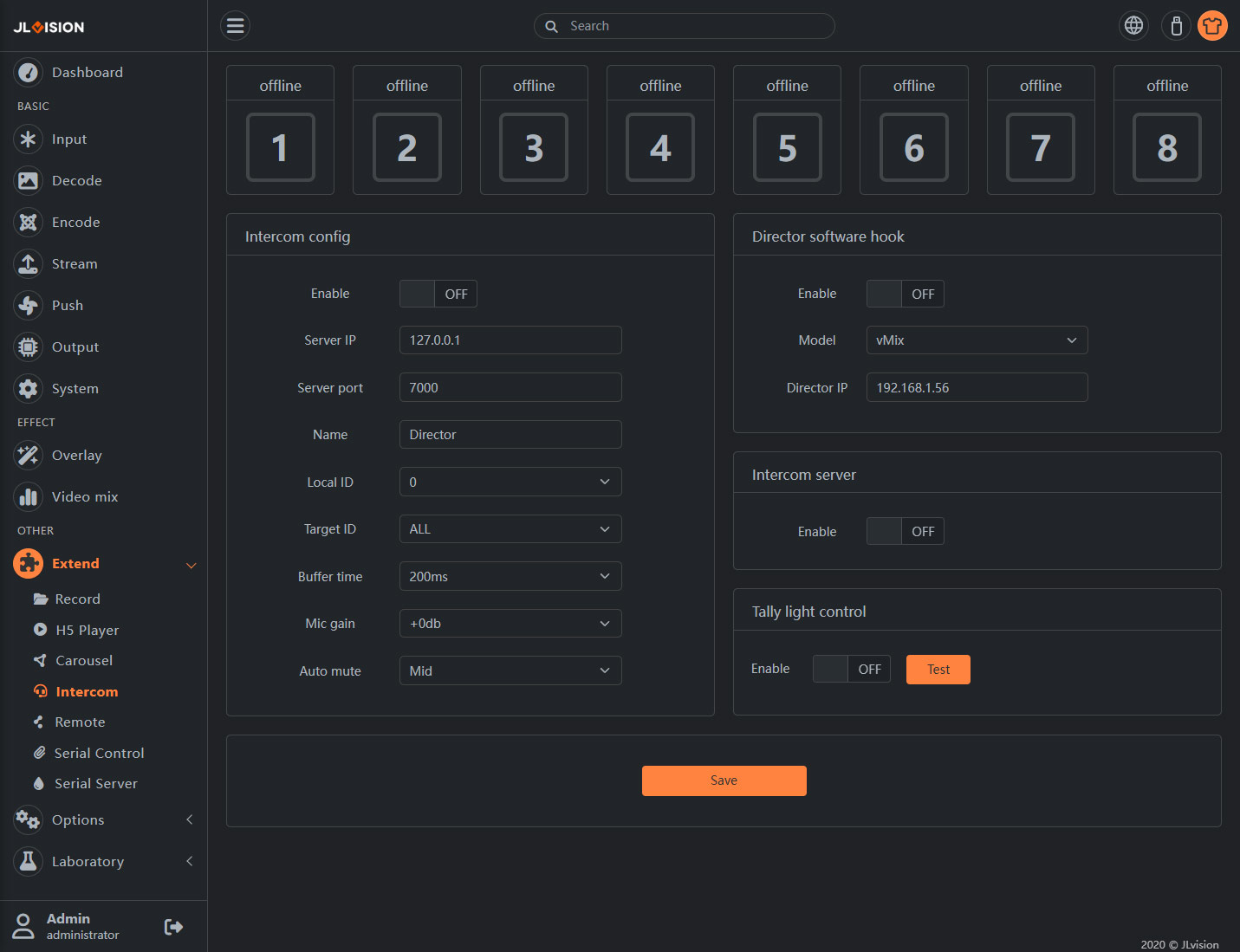
2. Function Introduction
The main functions of this system are to assist the director and the photographer in conducting verbal communication during the shooting process, and when the director uses vMix to switch to a certain video feed, the cameraman can clearly understand through the Tally light whether the footage they are shooting is currently being broadcast. The following tutorial explains how to configure this system. In the integrated communication system, the machines are divided into the director end and the follow-up shooting end. In an integrated communication group, only one director end needs to be set up, and the rest are all follow-up shooting ends.
2.1. Equipment Status

Numbers 1 to 8 represent the working status of 8 aircraft positions.
The top shows the custom names of each position.
The borders of the rounded rectangles indicate the online status of the equipment. Gray: offline; Green: online.
The interior of the rounded rectangles shows the Tally status of the position. Green: PVW,Red: PGM
2.2. Intercom config
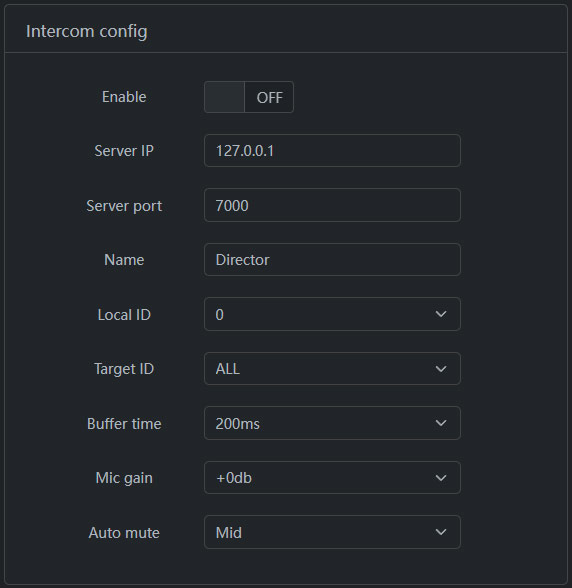
Enable: The switch for the integrated communication client. When using the integrated communication-related functions, this option must be enabled.
Server IP: The IP address of the integrated communication server. Depending on the application scenario, it could be the public network server IP or the local area network broadcast end IP. When the broadcast end is used for local area network application, this item can also be written as 127.0.0.1.
Server Port: The default is 7000. Usually, it does not need to be modified.
Name: The custom name of this position, used to display in the device status area.
Local ID: The ID used to distinguish the position represented by the device. 0 represents the broadcast position; 1 to 8 represent the camera positions, corresponding to the source order in vMix.
Target ID: When conducting voice communication, set who the voice of this device will be distributed to. It can be ALL (all people) or a certain ID (for example, if the photographer only sends to the broadcast, then the target ID should be 0). If using mobile network calls, it is recommended to set the target ID of the 1 to 8 positions as 0 to avoid bandwidth occupation caused by group sending.
Buffer Time: A lower buffer time can reduce call delay, but in a mobile network environment, a higher buffer time is needed to ensure the smoothness of the voice.
Microphone Gain: Adjust the volume gain of the microphone. The larger the value, the greater the volume. There may be burst noise. Please choose reasonably.
Automatic Mute: Set the threshold value for automatic mute. Only when the microphone volume is greater than this value will voice transmission start, used to save traffic and reduce noise.
2.3. Director software hook
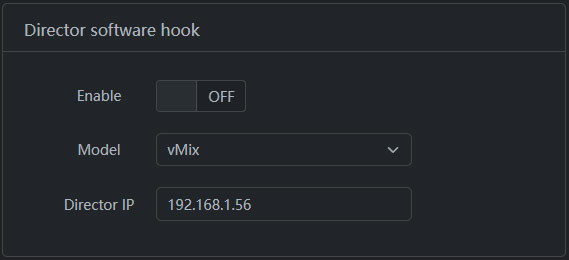
Enable: Usually, the director end needs to enable this option to connect with software such as vMix/Sinsam and obtain the Tally status.
Model: Select the type of software to be connected. Currently, only the vMix and Sinsam software have been successfully connected. Other software is still under development.
Director IP: The IP address of the PC where the vMix software is located.
2.4. Intercom server
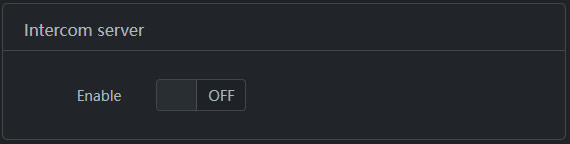
Enable: In the local area network application scenario, the control room end needs to enable this option.
2.5. Intercom server
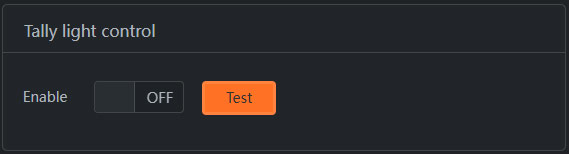
Enable: If the transmitter is placed on a certain device, that device will activate this function.
Test: Test the communication with the Tally light.