 +86 136 0249 1788

Onvif PTZ
1. Page Preview
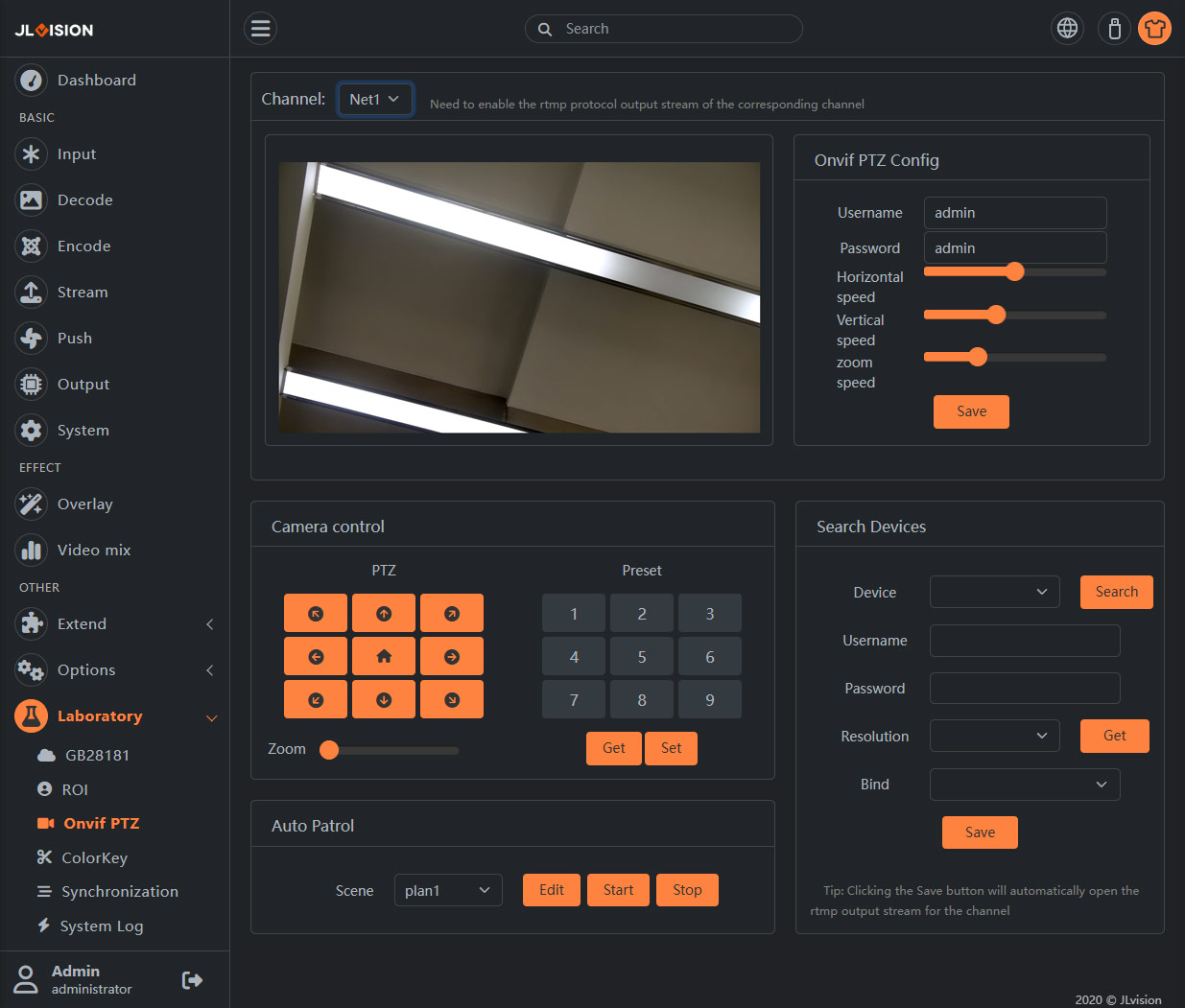
2. Function Introduction
2.1. Basic parameter settings
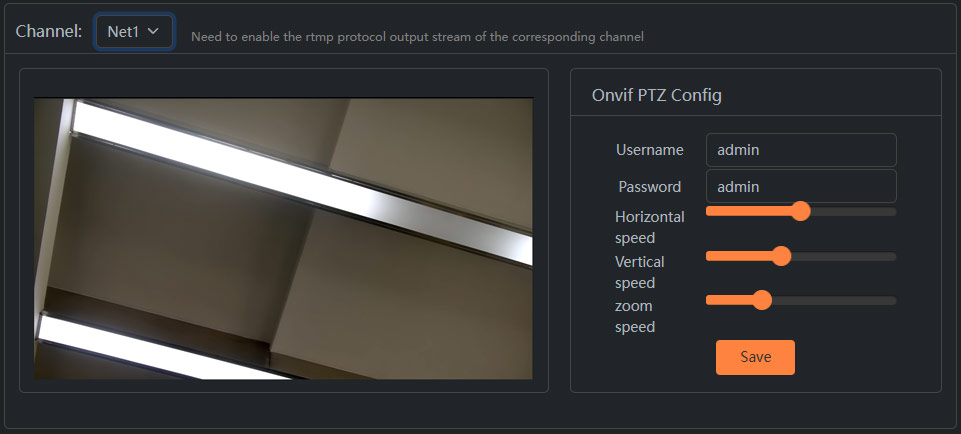
Username: The login username for the Onvif protocol. Note that this is not the login username for the camera.
Password: The login password for the Onvif protocol. Note that this is not the login password for the camera.
Horizontal speed: Adjust the speed of the camera’s horizontal movement.
Vertical speed: Adjust the speed of the camera’s vertical movement.
Zoom speed: Adjust the speed of the camera’s focal length change.
2.2. Camrera control
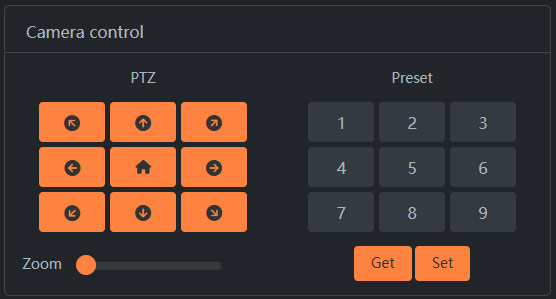
Control the movement of the network camera, as well as set and call the preset positions. It requires setting the correct username and password in the Onvif PTZ configuration.
2.3. Auto Patrol
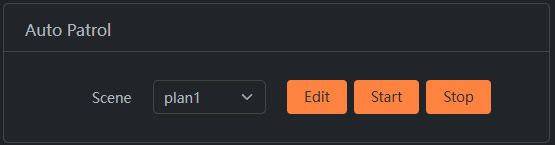
According to the set rules, it will automatically move between the two preset points. The preset points used must be set through this device.
2.4. Search Devices
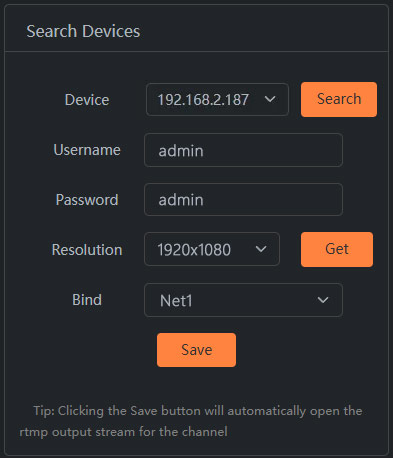
Click on the ‘Search’ option to obtain the devices that support the Onvif protocol within the network. Enter the username and password for the Onvif protocol (note: not the login username and password of the camera). Click ‘Get’ to obtain the video stream of the network cameras. Finally, bind it to the specified network input channel.
In addition, you can add the network camera stream by searching for devices. If you know the stream address of the camera, you can directly input the stream address of the network camera in the Network Input module under the Decoding Settings page.