 +86 136 0249 1788

Output
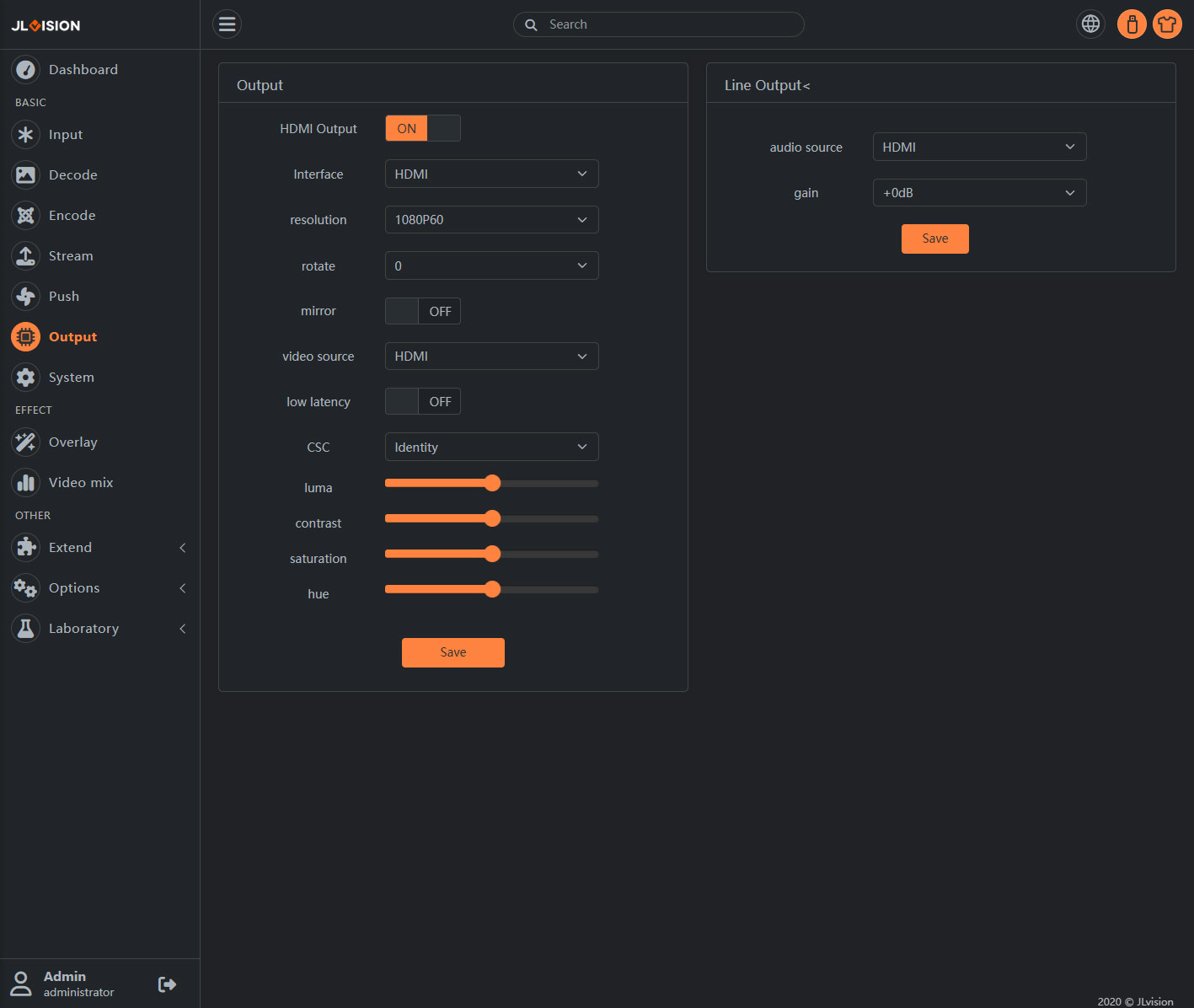
1. Page Preview
2. Function Introduction
2.1. Output
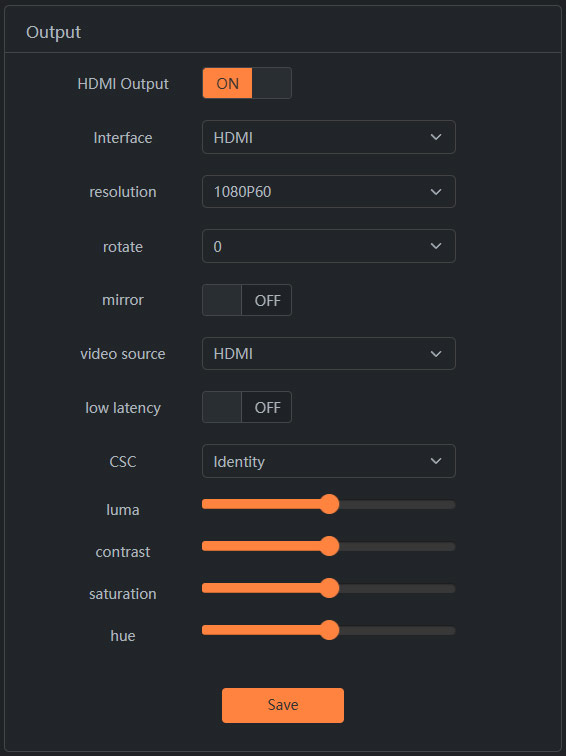
Depending on the model of the video encoder, this page will display the configuration of all display interfaces such as HDMI, VGA, SDI, etc. for the current device. There may be one or multiple such interfaces.
If the output interface configuration shown on this page is not marked on the device model, it indicates that this output interface is not exposed. In such cases, a adapter cable can be used to extend it.
resolution: The resolution and refresh rate of the output. The display device must support this resolution and refresh rate for normal display.
rotate: Rotate the output image by 90, 180, or 270 degrees.
mirror: Perform left-right mirroring on the output image.
video source: Set the audio-video signal for the output.
Low latency: When used for decoding output, enabling low latency will reduce a certain amount of latency, but it will lose the scaling ability. The decoding resolution and output resolution must be the same. Enabling or disabling low latency takes effect after restarting the system.
CSC:brightness, contrast, saturation, hue: Adjust the display effect of the signal output.
2.2. Output
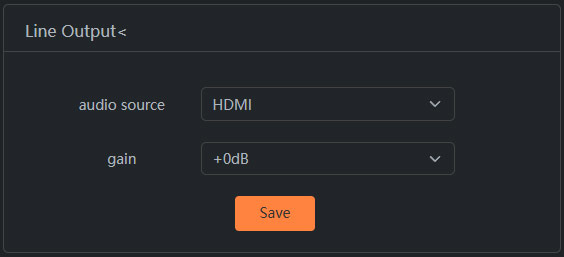
Select the settings for the audio source output interface.