+86 136 0249 1788

Input
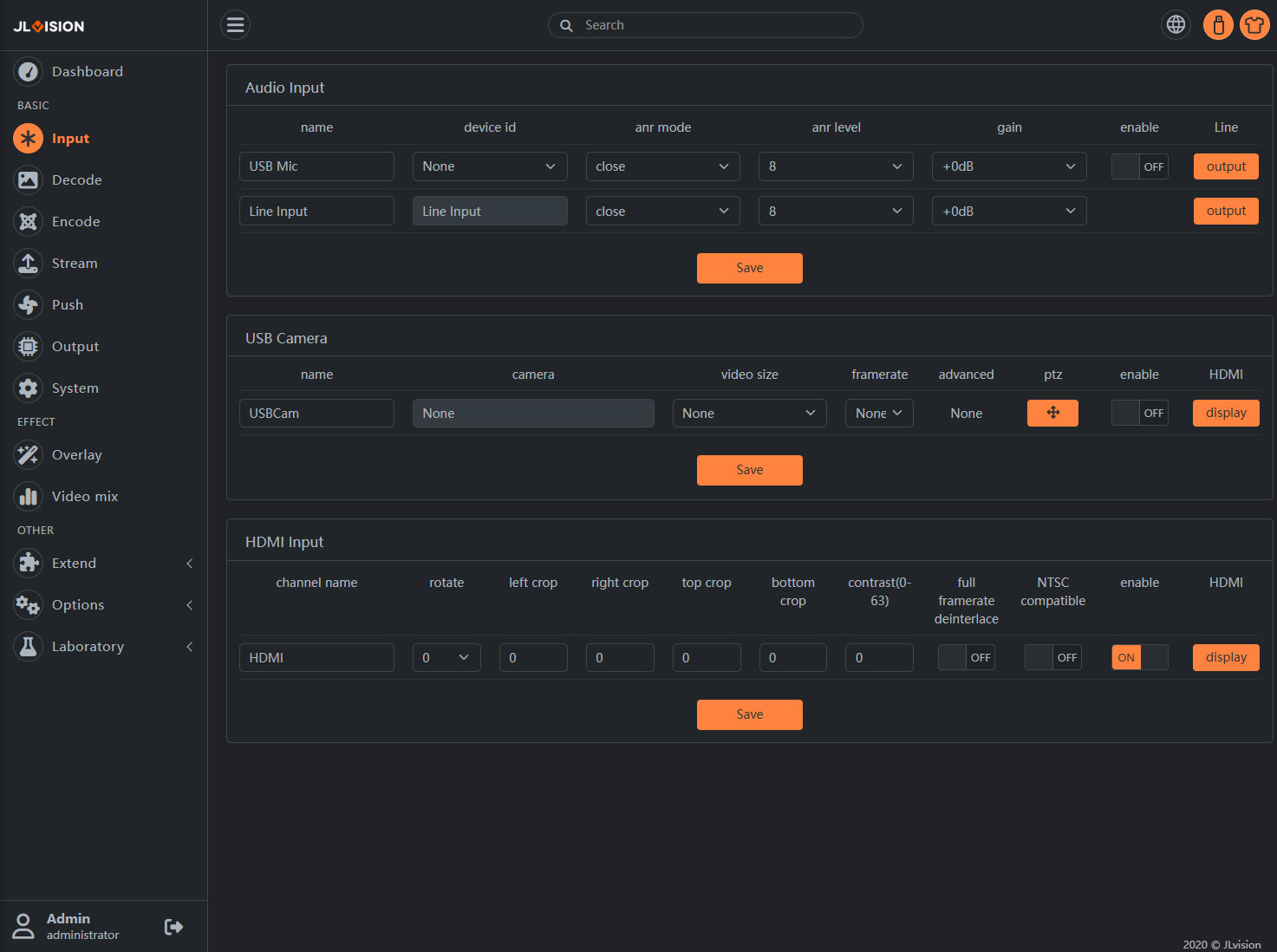
1.Page Preview
2.Function Introduction
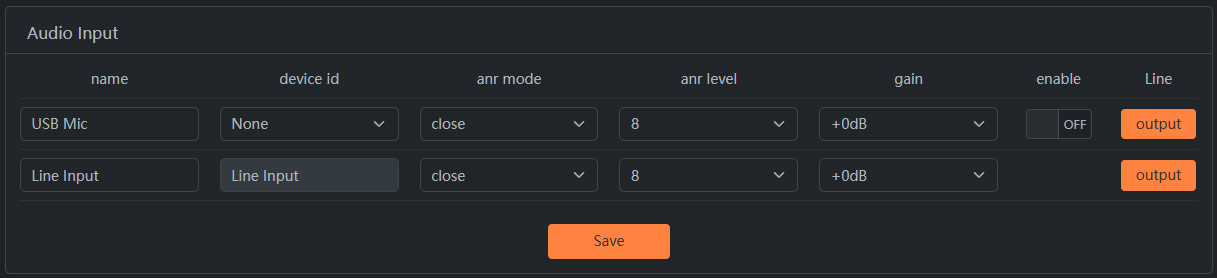
2.1. Audio input –The selection and configuration of the external audio interface for the encoder: The “Output” button is the audio interface that outputs to the TV. Clicking this button will allow for real-time switching. Once set, simply save the configuration.
2.2. USB Camera-The encoder’s external USB camera start switch and settings must use a UVC-compliant USB camera; remember to save the settings after configuration.
Clicking the ‘HDMI’ button will enable decoding and output to the TV.

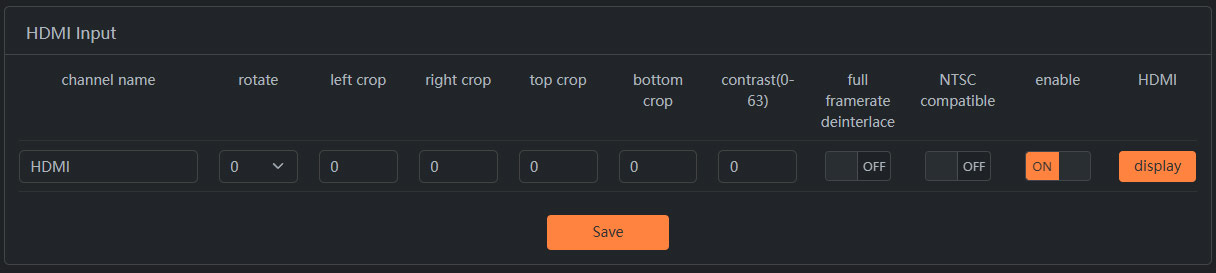
2.3. HDMI input-It mainly focuses on editing and setting for HDMI signal sources, such as: rotating the resolution of the signal source (1920×1080) clockwise by 90 degrees, and another example is converting a PAL format signal source to an NTSC format signal source, and so on.