 +86 136 0249 1788

Video mix
1. Page Preview
2. Function Introduction
2.1. Channel

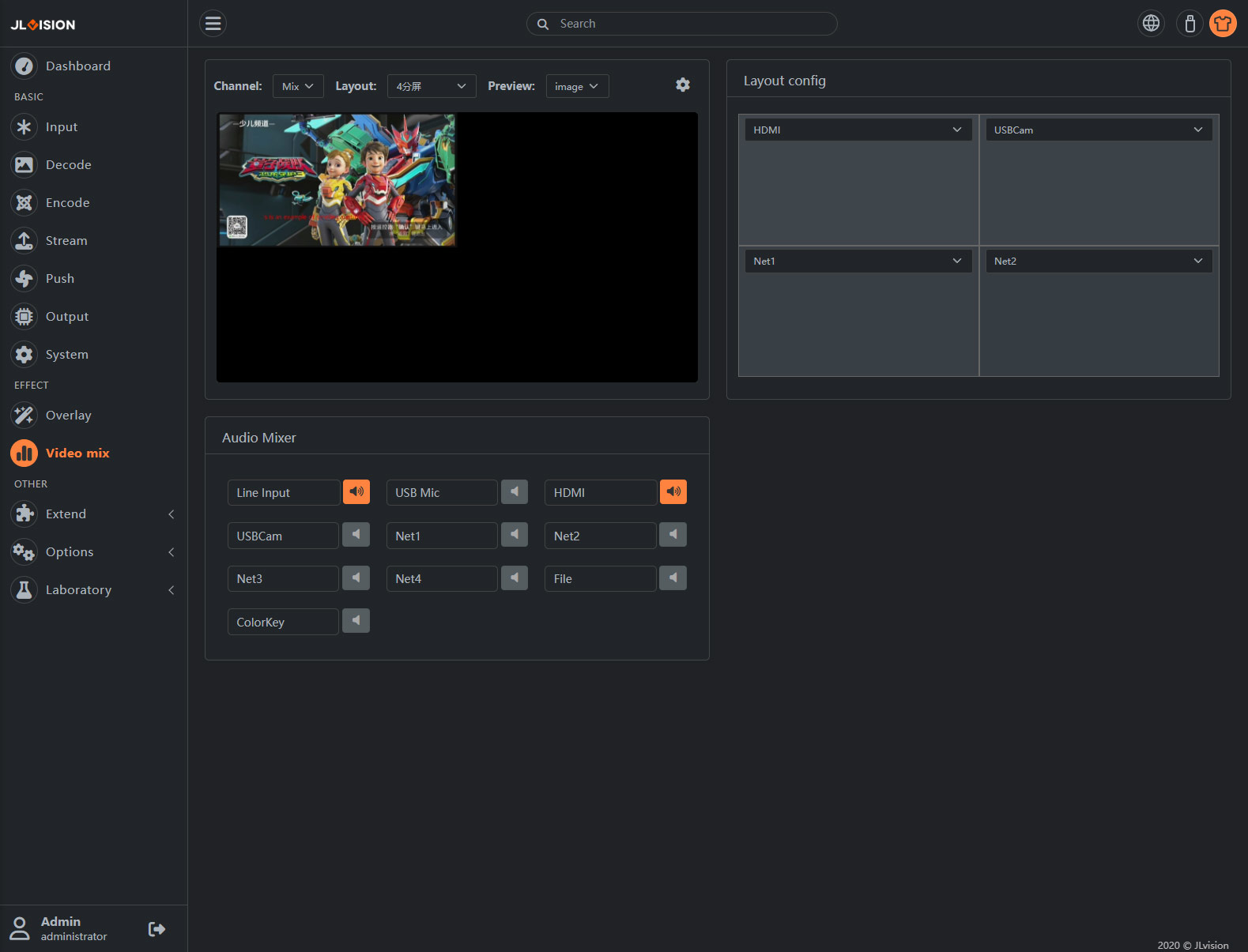
A. Channel:In the upper left of the page is the preview area, where you can select channels and layouts. ENC series encoders usually have only one Mix channel.
2.2. Layout
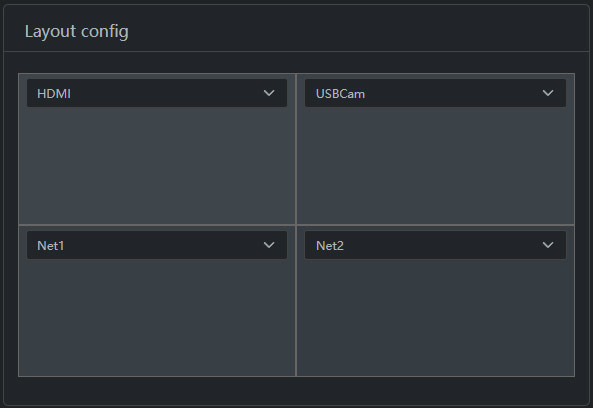
Layout Settings are arranged according to the selected screen layout, and video and audio sources can be individually activated or disabled for each active area (small speaker icon).
Note: Some models require at least one speaker to be activated, otherwise the Mix channel audio will not be properly encoded and output the live stream.
2.3. Audio Mixer Config
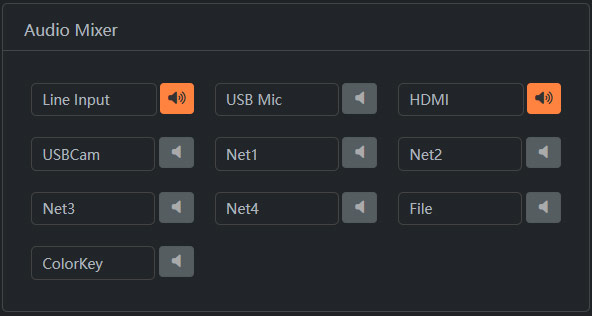
Activate the small speaker buttons on the right side of multiple channels to achieve multi-channel mixing.
Note: For some models, at least one small speaker needs to be illuminated; otherwise, the audio on the Mix channel will not be encoded, resulting in the inability to output streaming.