+86 136 0249 1788

Carousel
1. Page Preview
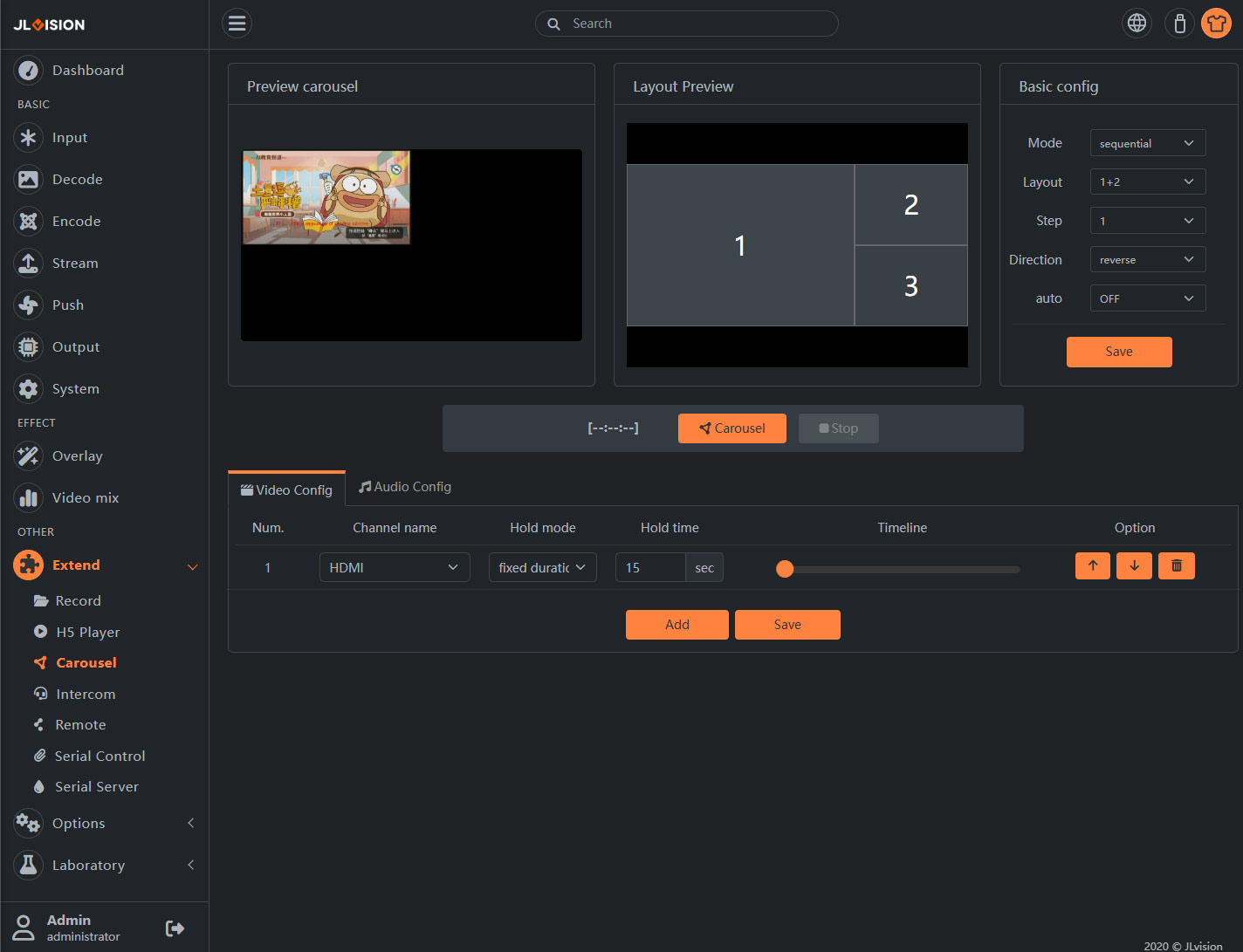
2. Function Introduction
2.1. Preview carousel
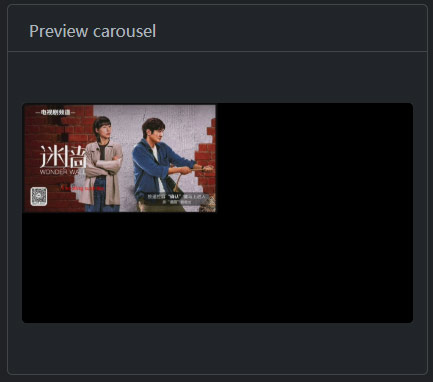
The system defaults to the Mix channel for the preview loop (previously, we selected a 4-split screen setting for the Mix channel), although you can change the loop channel via the video settings in the window below.
The loop preview here is implemented as an image-based preview.
2.2. Basic config
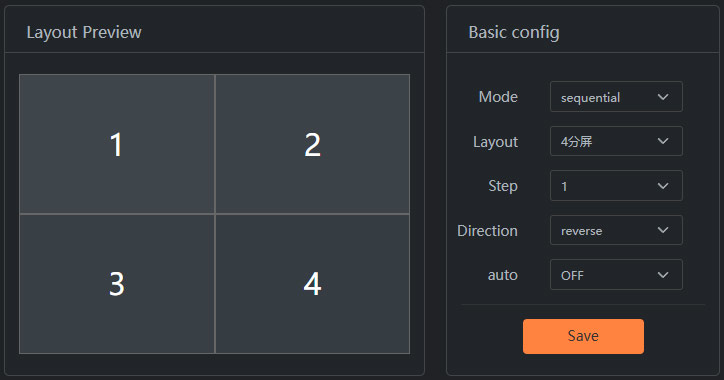
For example, we currently implement a 4-split screen broadcast using the Mix channel. The broadcast mode is set to ‘sequential’, the broadcast layout is selected as 4-split screen, the video step is set to 1 (you can also choose 4), the rotation direction is set to “Reverse,” and the auto broadcast is OFF (if ‘ON’, the encoder will automatically start the broadcast function upon startup).
2.3. Slider program list
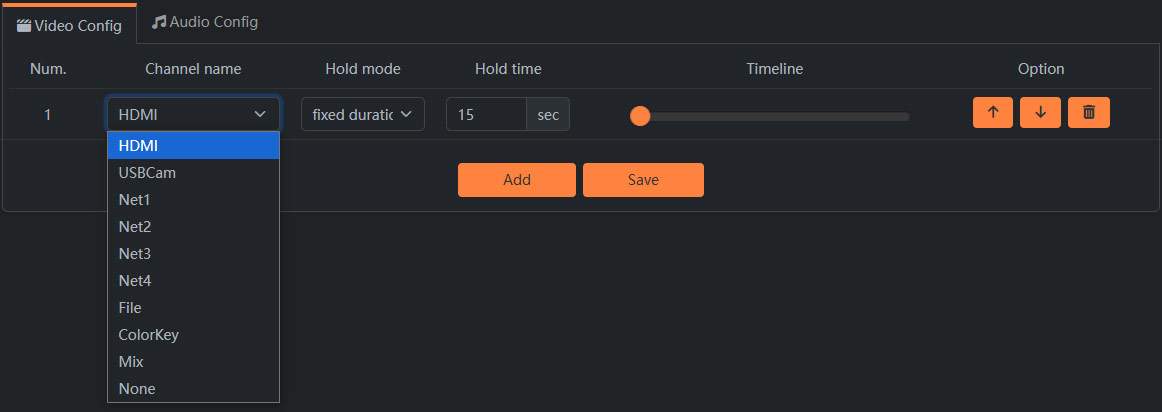
According to the requirements of the carousel content, add live streaming elements. These can be the required live source channels, video files, or mixed window content, all of which can be included in the list. The system will stream and push the content in sequence and according to time. If live streaming is needed, then on the ‘Streaming Push’ page, you need to select the ‘Mix’ channel to push the stream.